Beginner tutorial with step-by-step examples
1. What is a relational database?
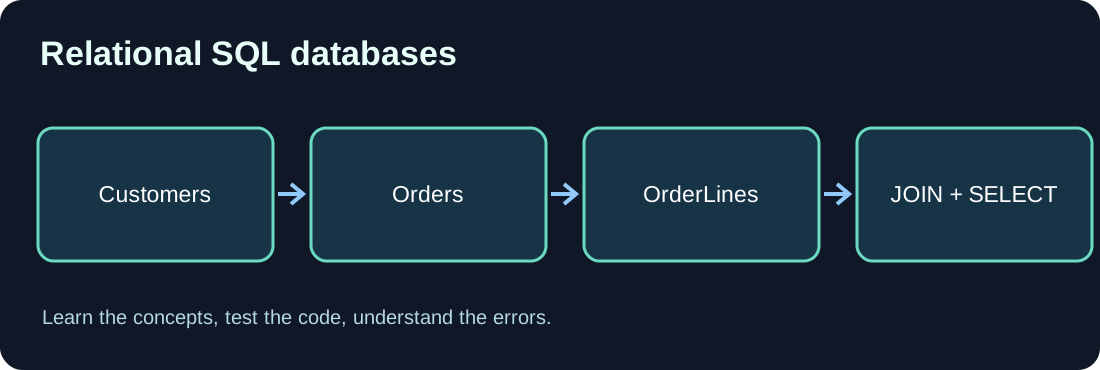
A relational database organizes structured information in tables connected by keys. A customer can have several orders without repeating the customer name in each order. This design reduces unnecessary duplication and establishes clear relationships.
2. Rows, columns and keys
A Customers table may have CustomerId, Name and City. Each row represents one customer. An Orders table references that customer through CustomerId. A primary key identifies a row; a foreign key enforces a relationship.
3. Create a simple schema
The following sample uses Microsoft SQL Server syntax. Other database engines may differ in data types or generated identifiers.
CREATE TABLE Customers (
    CustomerId int PRIMARY KEY,
    Name nvarchar(100) NOT NULL
);
CREATE TABLE Orders (
    OrderId int PRIMARY KEY,
    CustomerId int NOT NULL,
    TotalAmount decimal(12,2) NOT NULL,
    CONSTRAINT FK_Orders_Customers
      FOREIGN KEY (CustomerId) REFERENCES Customers(CustomerId)
);

INSERT INTO Customers VALUES (1, 'Example Ltd'), (2, 'Sample GmbH');
INSERT INTO Orders VALUES (100, 1, 125.00), (101, 1, 89.50);
4. Read data with SELECT
SELECT chooses columns, WHERE restricts rows, and ORDER BY sorts results. Avoid unnecessary SELECT * in production and request only the data you need.
5. Understand JOINs
INNER JOIN returns matching rows from both tables. LEFT JOIN also preserves customers without orders. Always use the correct join keys and understand one-to-many relationships: a customer may appear in multiple resulting rows.
SELECT c.Name, COUNT(o.OrderId) AS OrderCount,
       COALESCE(SUM(o.TotalAmount), 0) AS Total
FROM Customers AS c
LEFT JOIN Orders AS o ON o.CustomerId = c.CustomerId
GROUP BY c.CustomerId, c.Name
ORDER BY c.Name;
6. Aggregation with GROUP BY
COUNT, SUM and GROUP BY summarize data. With a LEFT JOIN, COUNT(o.OrderId) yields zero for a customer without orders, whereas COUNT(*) still counts the outer row. Use appropriate decimal types for money.
7. Write safer SQL
Use parameterized queries instead of concatenating user-controlled values into SQL strings. Grant least-privilege database rights. When integrating Business Central SaaS, prefer supported APIs rather than direct database queries.
8. Common mistakes
Missing JOIN conditions cause unintended combinations. Other problems include duplicated totals, NULL behavior and UPDATE or DELETE without an appropriate WHERE clause. Practice writes in a test environment with backups and explicit transactions.
9. Exercises
Add a third customer without an order. List all customers and their order counts using LEFT JOIN. Select orders above 100 EUR. Explain how INNER JOIN differs from LEFT JOIN.
Discussion (0)
No comments yet. Be the first to contribute.